202309280000
- curl now has merged in support for the #ipfs protocol, so I wanted to test it
- The curl daily snapshots only has binary builds for Windows and Arch Linux and I’m on #MacOS, but you can install HEAD using Homebrew
- Via Mark Gaiser who finally landed this patch into curl, here’s a one liner:
-
/opt/homebrew/opt/curl/bin/curl ipfs://bafybeigagd5nmnn2iys2f3doro7ydrevyr2mzarwidgadawmamiteydbzi | ffplay - That should fetch the Big Buck Bunny movie encoded as #webm video, using a local IPFS gateway
- I didn’t alias curl over system curl, so that’s the full path of where the HEAD version of curl is installed for me using #Homebrew
-
- Here’s the step by step of what I did
- I used
brew install curl --HEADto get the newest curl, installed at/opt/homebrew/opt/curl/bin/curl - I used IPFS Desktop to run a local IPFS node
- I ran this one liner, which will download the hash representing and output it to a file named
bigbuckbunny.webmin the directory where you run the command-
/opt/homebrew/opt/curl/bin/curl ipfs://bafybeigagd5nmnn2iys2f3doro7ydrevyr2mzarwidgadawmamiteydbzi --output bigbuckbunny.webm - You’ll see a progress bar in your terminal
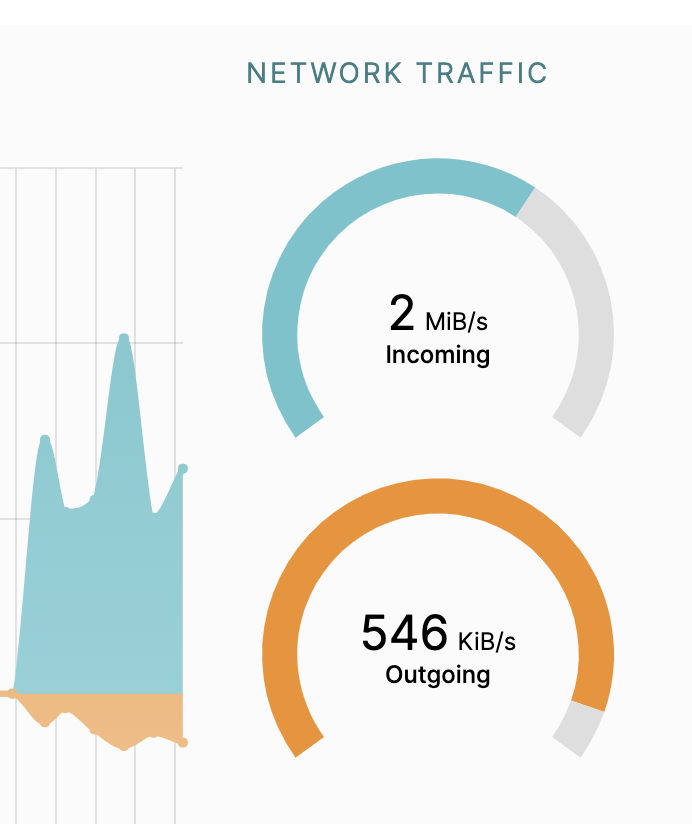
- And if we look, you’ll see incoming bandwith to IPFS Desktop
- On MacOS, double clicking the file will open and play it in a browser like Chrome which has webm video support
- You’ve just tested IPFS support in curl!
-
- Exploring Big Buck Bunny with IPFS Desktop
- It’s also available in your local IPFS node now, so if you paste in the hash into IPFS Desktop
bafybeigagd5nmnn2iys2f3doro7ydrevyr2mzarwidgadawmamiteydbziand hit browse, it will prompt you to open it with your local gateway 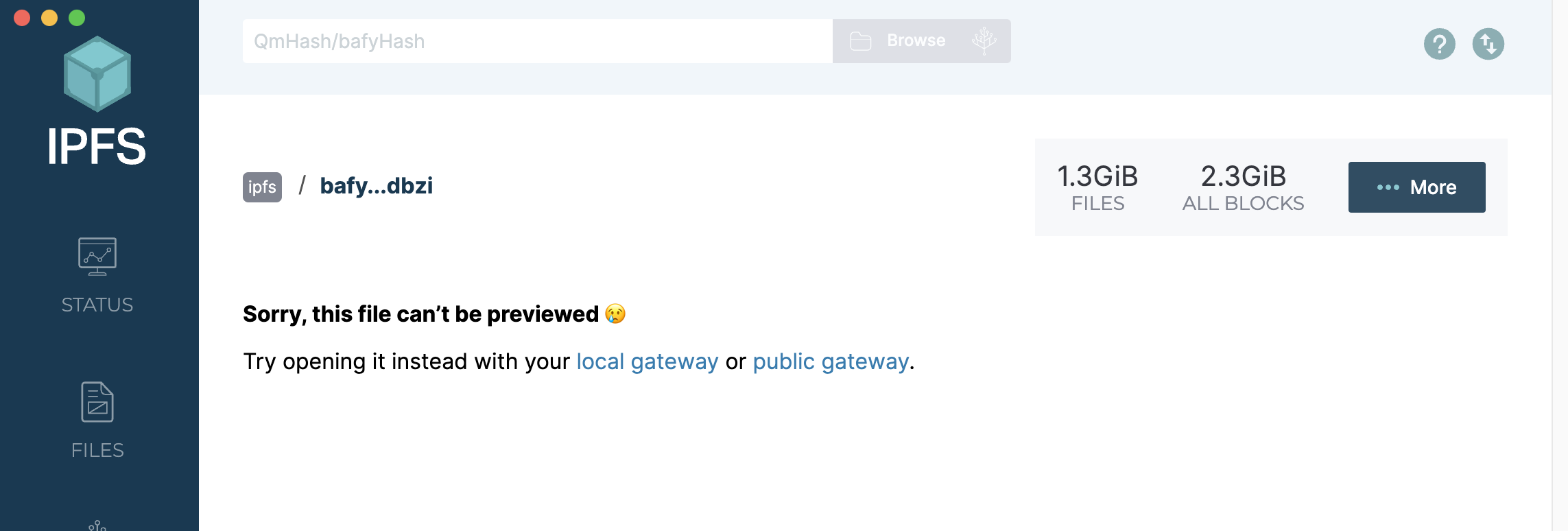
- Your local gateway link is this: http://bafybeigagd5nmnn2iys2f3doro7ydrevyr2mzarwidgadawmamiteydbzi.ipfs.localhost:8080/ — and it will play directly in your browser
 {:height 334, :width 554}
- If you select the “More” button, you get a drop down of options
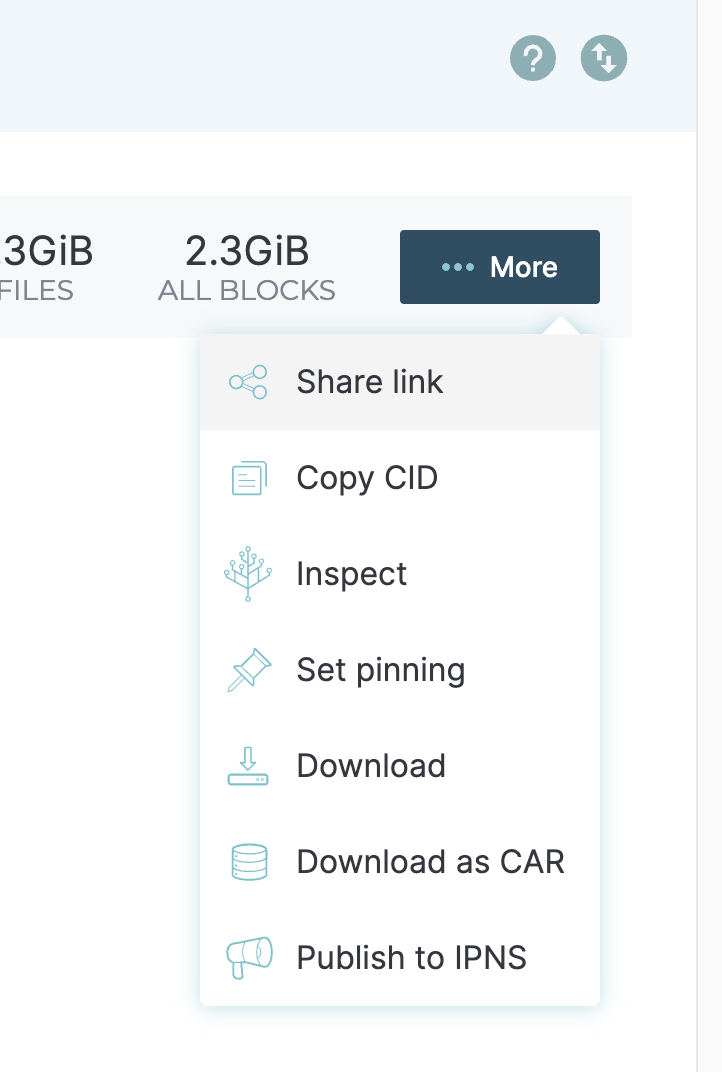
- I picked “Set pinning” so that I can help keep Big Buck Bunny online. The next time someone fetches it, my desktop might be helping to serve up the bits
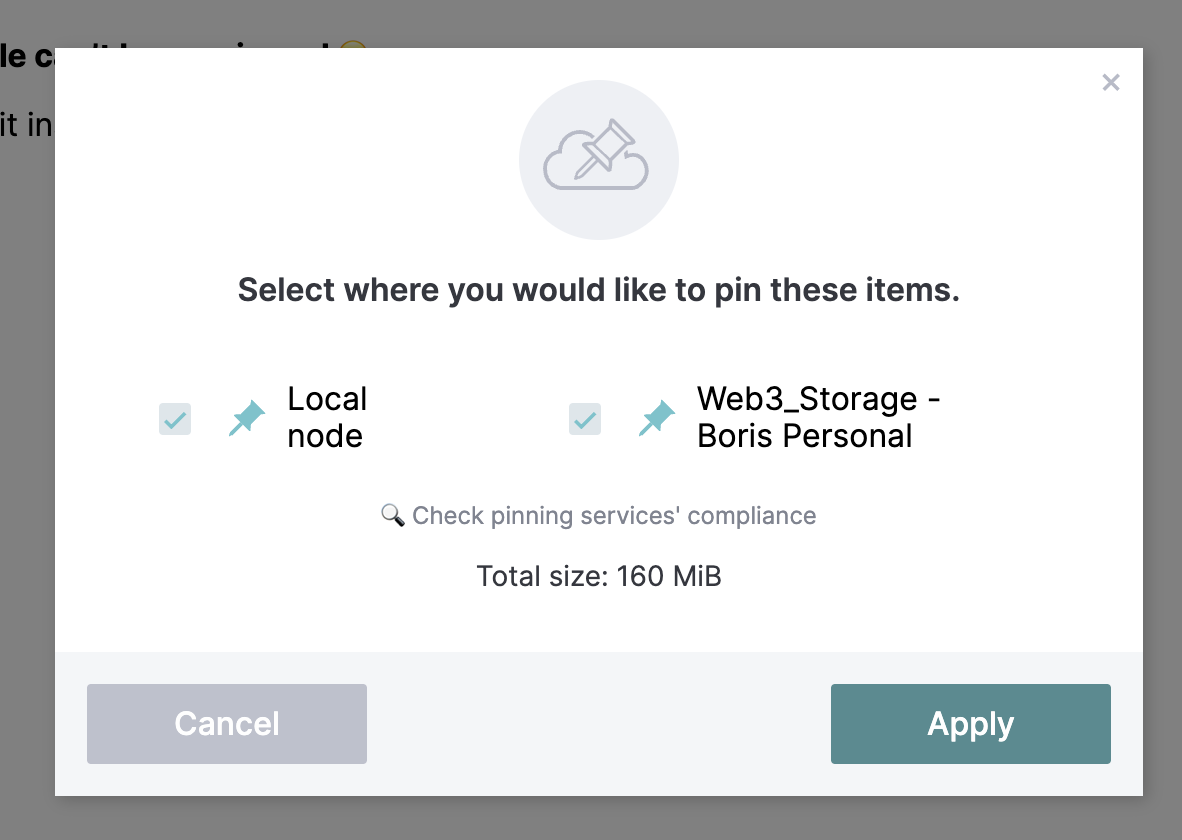
- I’ve got this 160MB file saved locally, and I also sent it to Web3Storage
- It’s also available in your local IPFS node now, so if you paste in the hash into IPFS Desktop
- I used
- Did you know that ffmpeg also has #ipfs support? That was also contributed by Mark Gaiser, so this also works:
-
fplay ipfs://bafybeigagd5nmnn2iys2f3doro7ydrevyr2mzarwidgadawmamiteydbzi - On #MacOS, you’ll need to use brew or similar to install ffmpeg for that to work
- And Mark had one more for me:
-
mpv ipfs://bafybeigagd5nmnn2iys2f3doro7ydrevyr2mzarwidgadawmamiteydbzi-
mpv also just works. There you see the power of re-using implementations. mpv knows nothing about it besides white-listing ipfs and ipns, it uses ffmpeg internally and just forwards it. https://mpv.io/
it also has a mac version https://mpv.io/installation/
-
-