Daily Journal 📓 September 2023

Shorter dated entries, links, and microblogs, plus GitHub & Tangled stars.

  • Fear of Oozification vgr
    • Oozification is a process that makes the technological future visibly *illegible, *especially to those closest to it and working hardest to make it happen, and this fear is the temporal analog of high-modernist fear of illegibility.


  • curl now has merged in support for the #ipfs protocol, so I wanted to test it
    • The curl daily snapshots only has binary builds for Windows and Arch Linux and I’m on #MacOS, but you can install HEAD using Homebrew
    • Via Mark Gaiser who finally landed this patch into curl, here’s a one liner:
      • /opt/homebrew/opt/curl/bin/curl ipfs://bafybeigagd5nmnn2iys2f3doro7ydrevyr2mzarwidgadawmamiteydbzi | ffplay
      • That should fetch the Big Buck Bunny movie encoded as #webm video, using a local IPFS gateway
      • I didn’t alias curl over system curl, so that’s the full path of where the HEAD version of curl is installed for me using #Homebrew
    • Here’s the step by step of what I did
      • I used brew install curl --HEAD to get the newest curl, installed at /opt/homebrew/opt/curl/bin/curl
      • I used IPFS Desktop to run a local IPFS node
      • I ran this one liner, which will download the hash representing and output it to a file named bigbuckbunny.webm in the directory where you run the command
        • /opt/homebrew/opt/curl/bin/curl ipfs://bafybeigagd5nmnn2iys2f3doro7ydrevyr2mzarwidgadawmamiteydbzi --output bigbuckbunny.webm
        • You’ll see a progress bar in your terminal
          • Terminal screenshot of Curl using IPFS
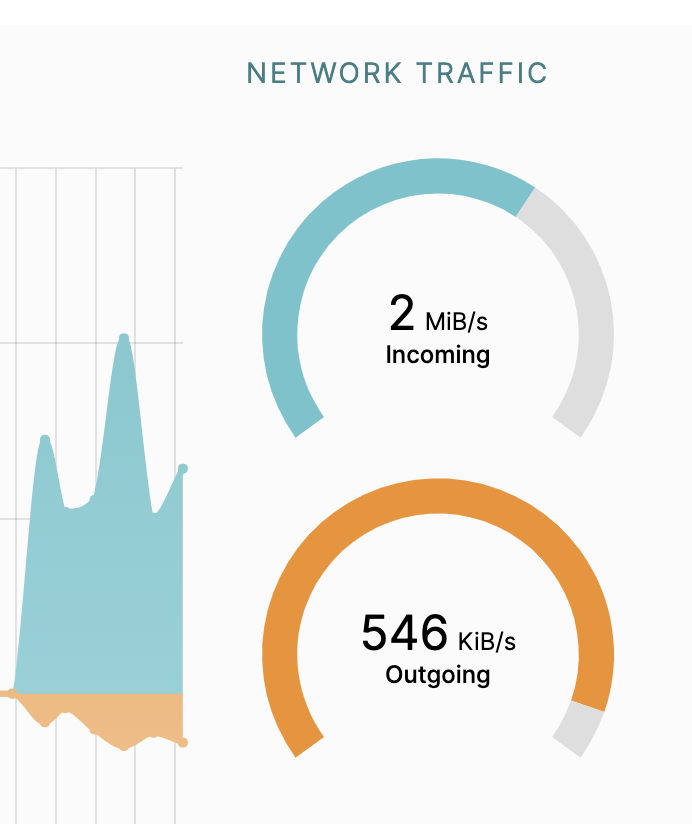
        • And if we look, you’ll see incoming bandwith to IPFS Desktop
          • IPFS Desktop Screenshot of incoming bandwidth while using curl
        • On MacOS, double clicking the file will open and play it in a browser like Chrome which has webm video support
        • You’ve just tested IPFS support in curl!
      • Exploring Big Buck Bunny with IPFS Desktop
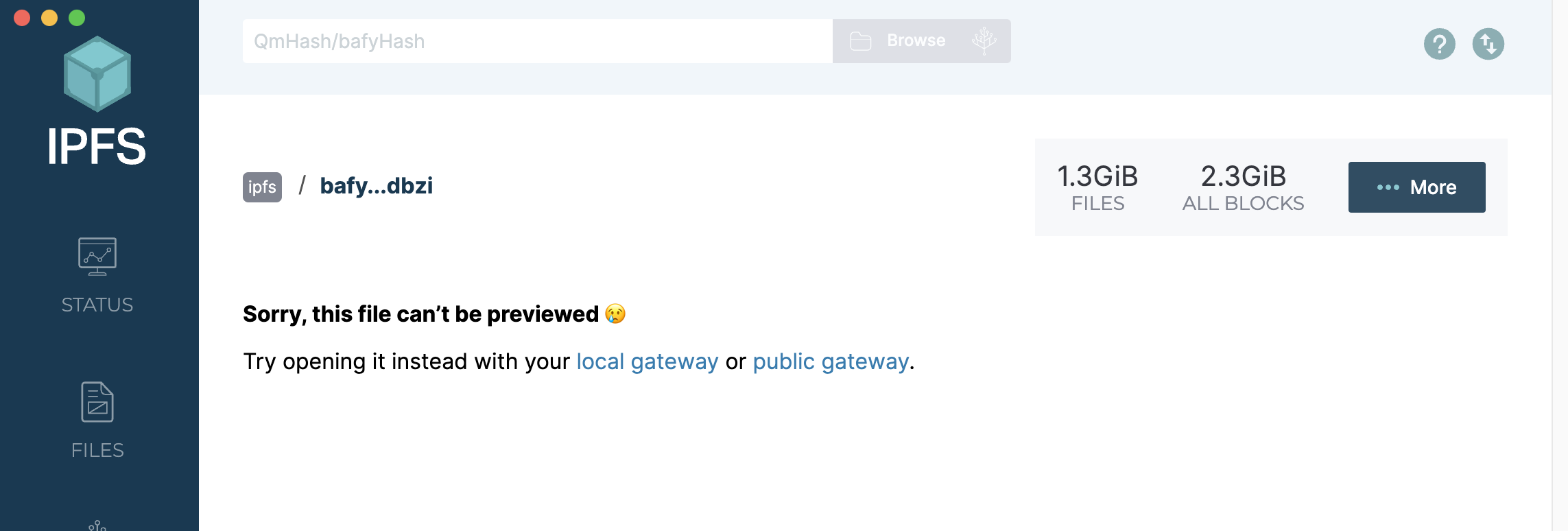
        • It’s also available in your local IPFS node now, so if you paste in the hash into IPFS Desktop bafybeigagd5nmnn2iys2f3doro7ydrevyr2mzarwidgadawmamiteydbzi and hit browse, it will prompt you to open it with your local gateway
        • IPFS Desktop Big Buck Bunny - Screenshot
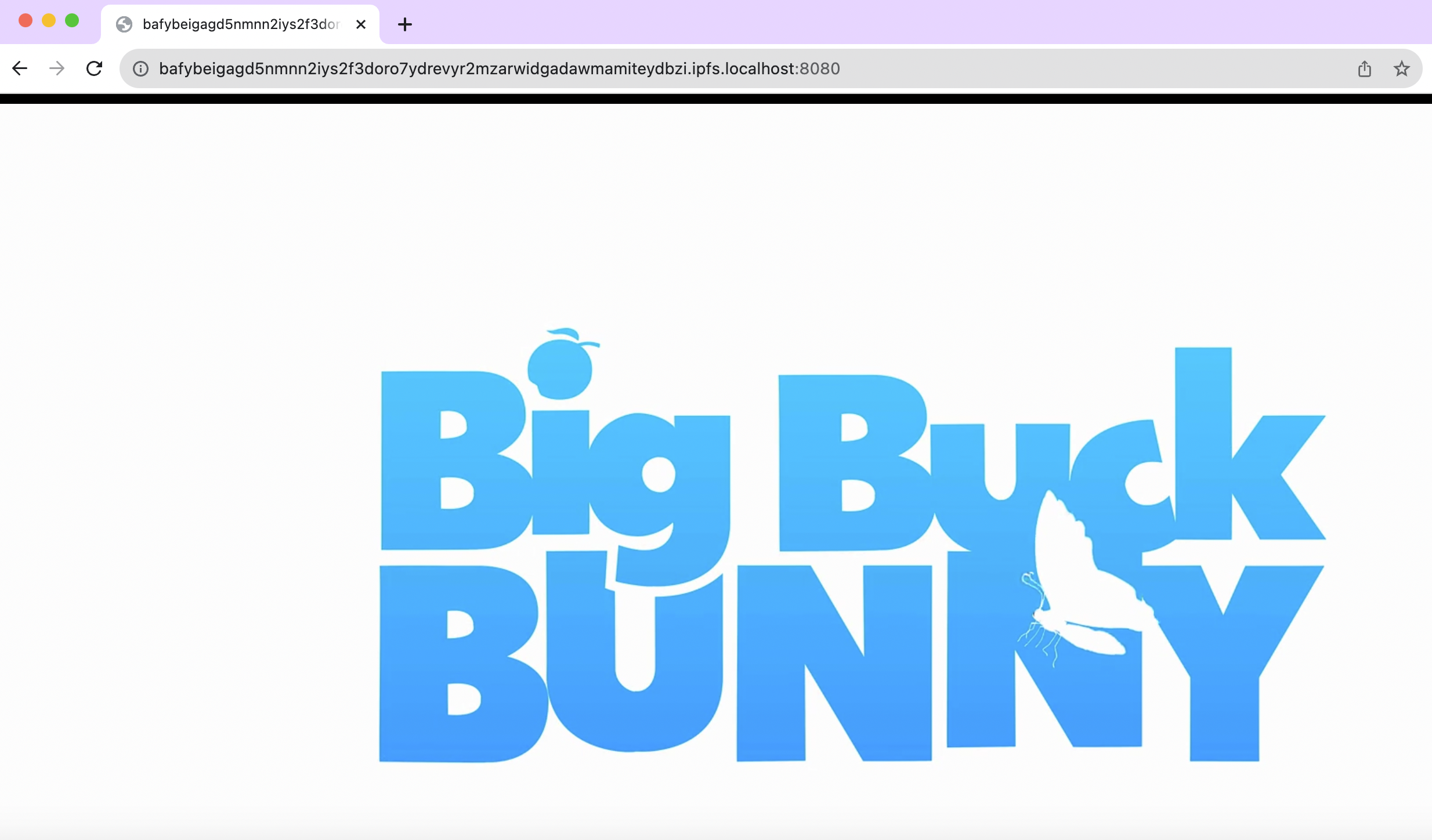
        • Your local gateway link is this: http://bafybeigagd5nmnn2iys2f3doro7ydrevyr2mzarwidgadawmamiteydbzi.ipfs.localhost:8080/ — and it will play directly in your browser
        • Local gateway path to Big Buck Bunny - Screenshot{:height 334, :width 554}
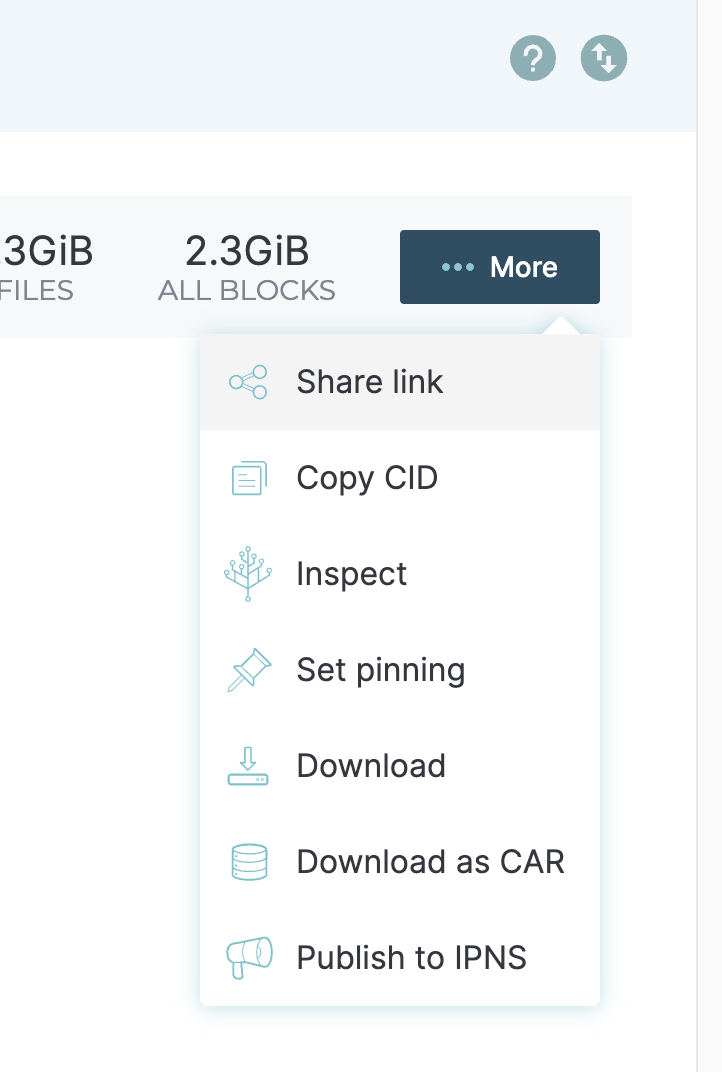
        • If you select the “More” button, you get a drop down of options
        • IPFS Desktop More button - Screen Shot
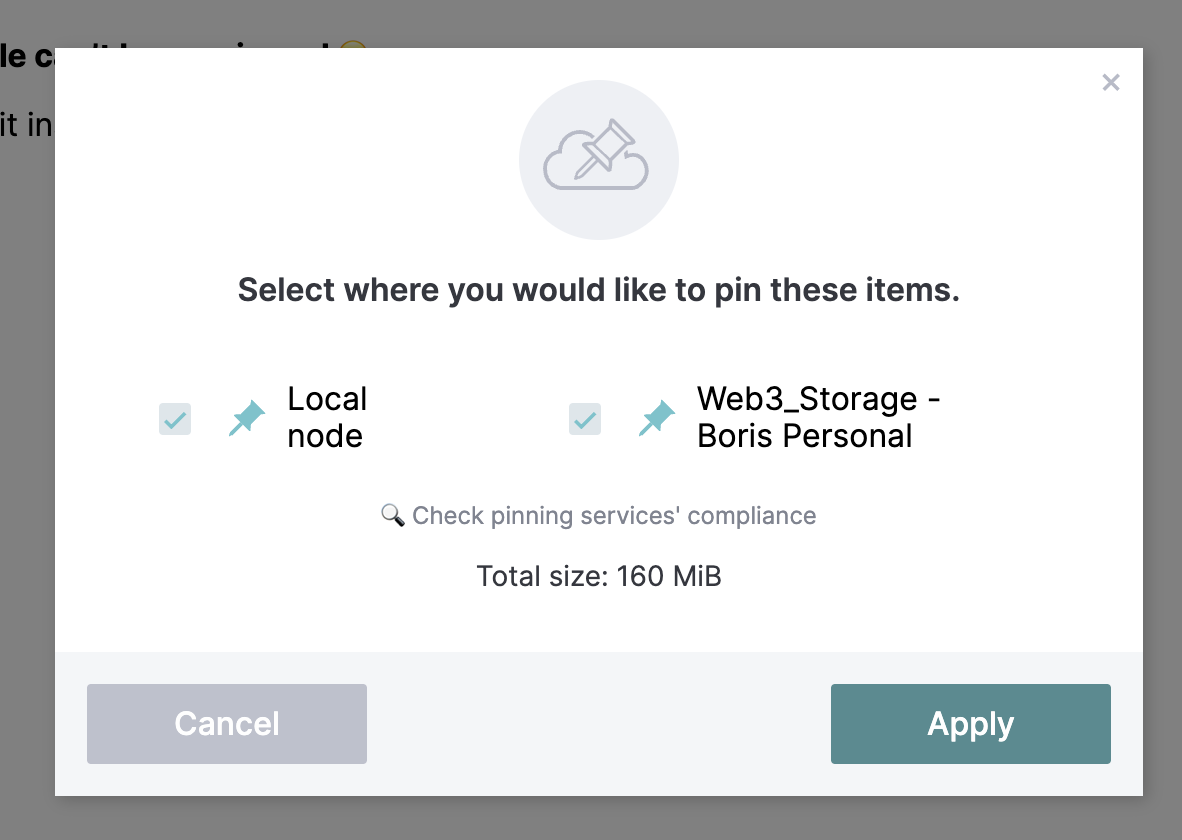
        • I picked “Set pinning” so that I can help keep Big Buck Bunny online. The next time someone fetches it, my desktop might be helping to serve up the bits
        • IPFS Desktop Pinning Screenshot
        • I’ve got this 160MB file saved locally, and I also sent it to Web3Storage
    • Did you know that ffmpeg also has #ipfs support? That was also contributed by Mark Gaiser, so this also works:
      • fplay ipfs://bafybeigagd5nmnn2iys2f3doro7ydrevyr2mzarwidgadawmamiteydbzi
      • On #MacOS, you’ll need to use brew or similar to install ffmpeg for that to work
      • And Mark had one more for me:
      • mpv ipfs://bafybeigagd5nmnn2iys2f3doro7ydrevyr2mzarwidgadawmamiteydbzi
        • mpv also just works. There you see the power of re-using implementations. mpv knows nothing about it besides white-listing ipfs and ipns, it uses ffmpeg internally and just forwards it. https://mpv.io/

          it also has a mac version https://mpv.io/installation/


⭐️ entlaabstudio/rplayer A player that supports full decentralization. Ready for use on Web3 networks such as IPFS. It arose from the desire for a player that will respect the listening to music albums, not just individual songs, to which buffering is subject.

Semble


⭐️ LycheeOrg/Lychee A great looking and easy-to-use photo-management-system you can run on your server, to manage and share photos.

Semble


⭐️ alangrainger/share-note Instantly share an Obsidian note with the full theme exactly like you see in your vault. Data is shared encrypted by default, and only you and the person you send it to have the key.

Semble


  • John Carmack #Twitter #DecentSocial
    • Several people I follow are actively trying to move users from Twitter/X to alternatives, but I don’t hear about exciting new features, and I do hear about them being kind of dead. Fragmenting the networks seems value-destructive for the world; is it really just to spite Elon? https://x.com/id_aa_carmack/status/1699060703272010047