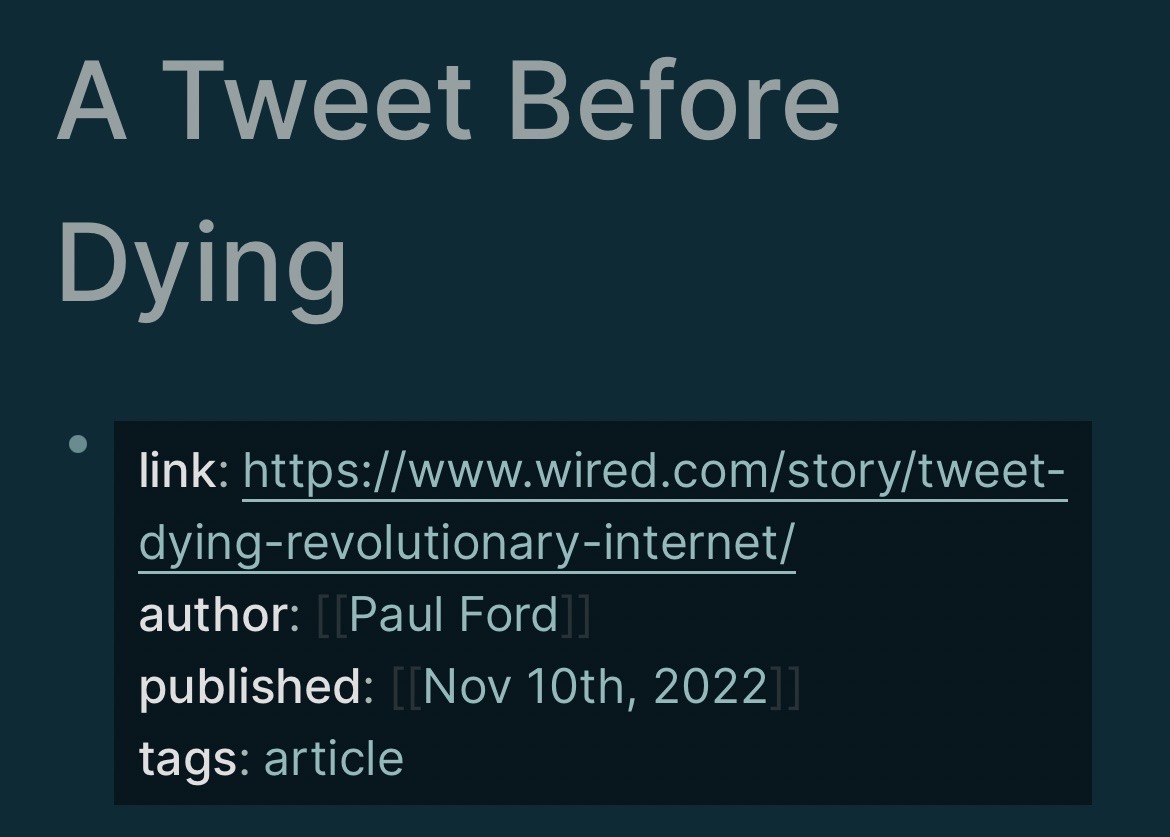
I could never quite figure out how some pages seemed properly tagged and others weren’t
The way LogSeq Properties work, is that the first lines of a file
Don’t have a bullet
Are new line / return delimited
I knew this, but just thought putting arbitrary properties “at the top” — in the first few bullets — was enough
On mobile, the properties of a page have a dark background
If you go into that dark background line, you can hit return and add more properties, without creating a bullet
Correct
link, author, published, and tags properties, in any order, at the top of a file
Dark background
Incorrect
Only the link property is an actual property
Need to fix so that tags is also within that dark area, not a “second bullet”
This still “works” in this case for backlinks, but won’t show in the special “Pages tagged with ‘article’” section that is built into LogSeq by default