202011240000
- Following up on [researching external drives](Nov 14, 2020), I biked over to Memory Express to buy an external NVMe enclosure and a 2TB NVMe drive.
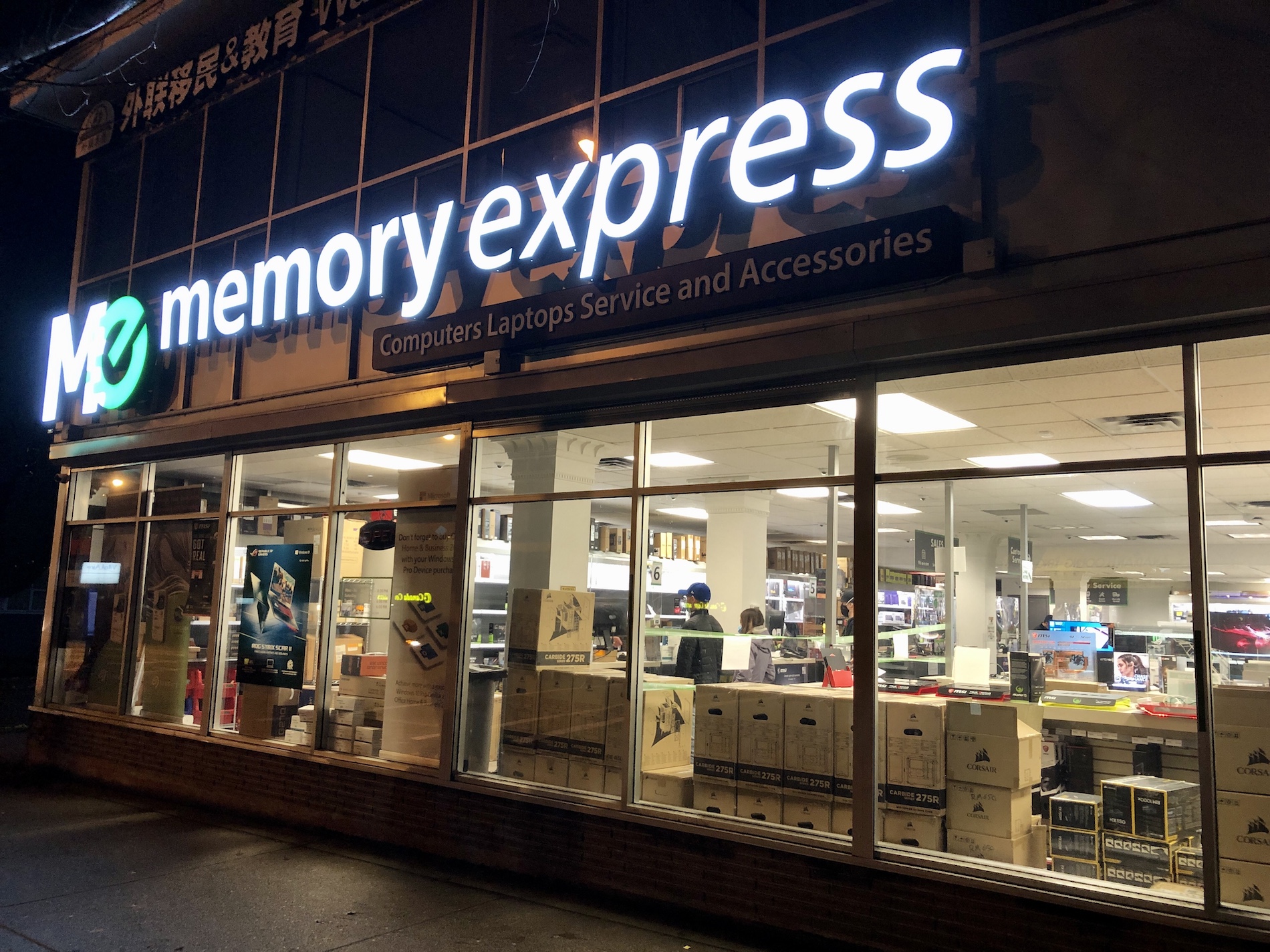
- The enclosure and drive I had researched before weren’t available and because of the pandemic they aren’t really allowing browsing. So, I had the sales person look up the different options for me.
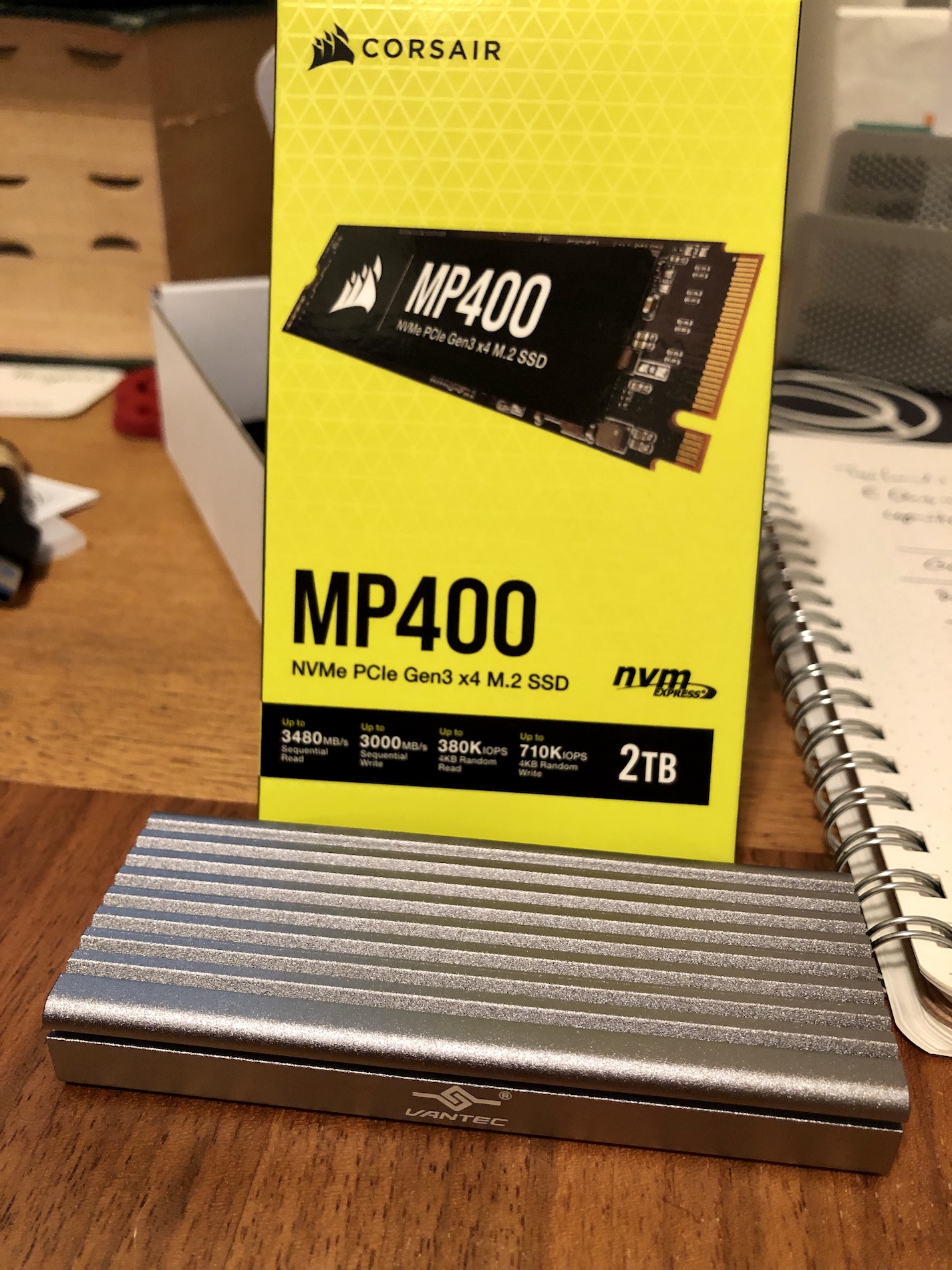
- I ended up with the Vantec USB3.1 NVMe Enclosure and a 2TB Corsair drive. There were slightly cheaper options than the Corsair, but it was a name I recognized and I figured it shouldn’t be the absolute cheapest:
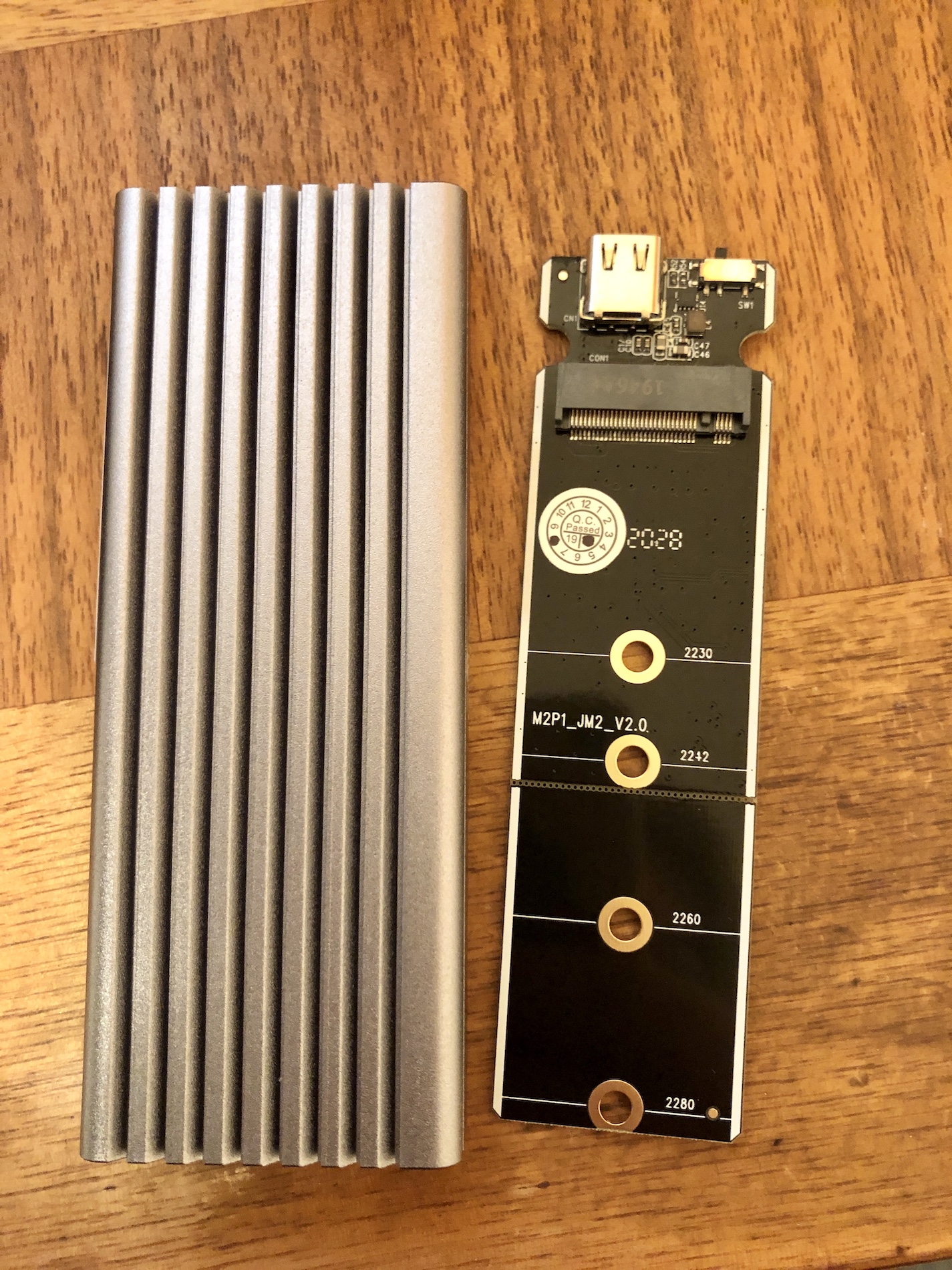
- The Vantec metal enclosure, and the board that the NVMe gets installed to:
- Here’s the Corsair snapped into the board. I’ve already screwed down the far side with the included nut and screw:
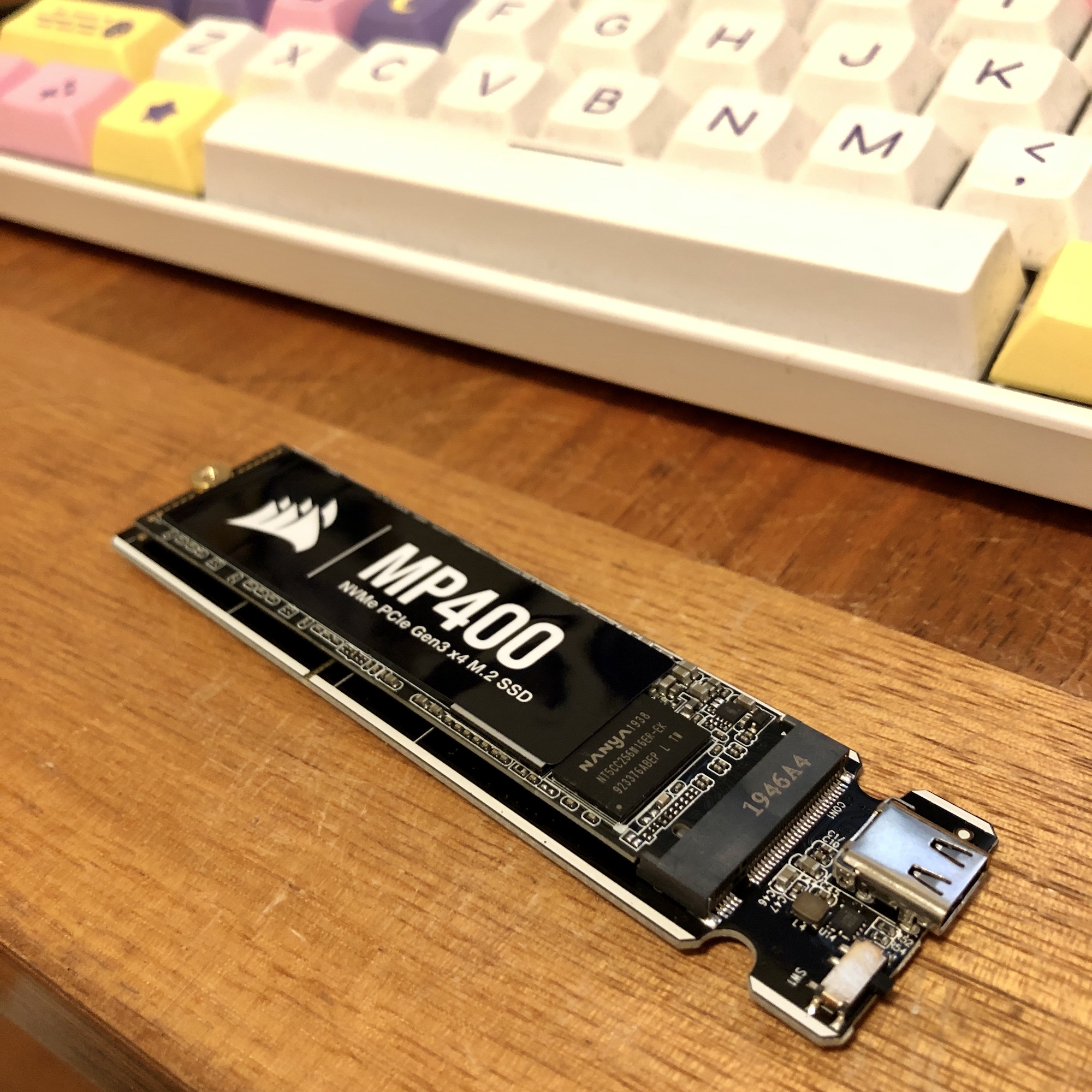
- After that picture, there is a thermal paste strip that goes right on top, and then a heat sink (strip of metal) that is sort of wedged on top of that. You slide it back into the Vantec metal enclosure.
- You can see some fit and finish issues with the end plate that is fastened in with two screws:
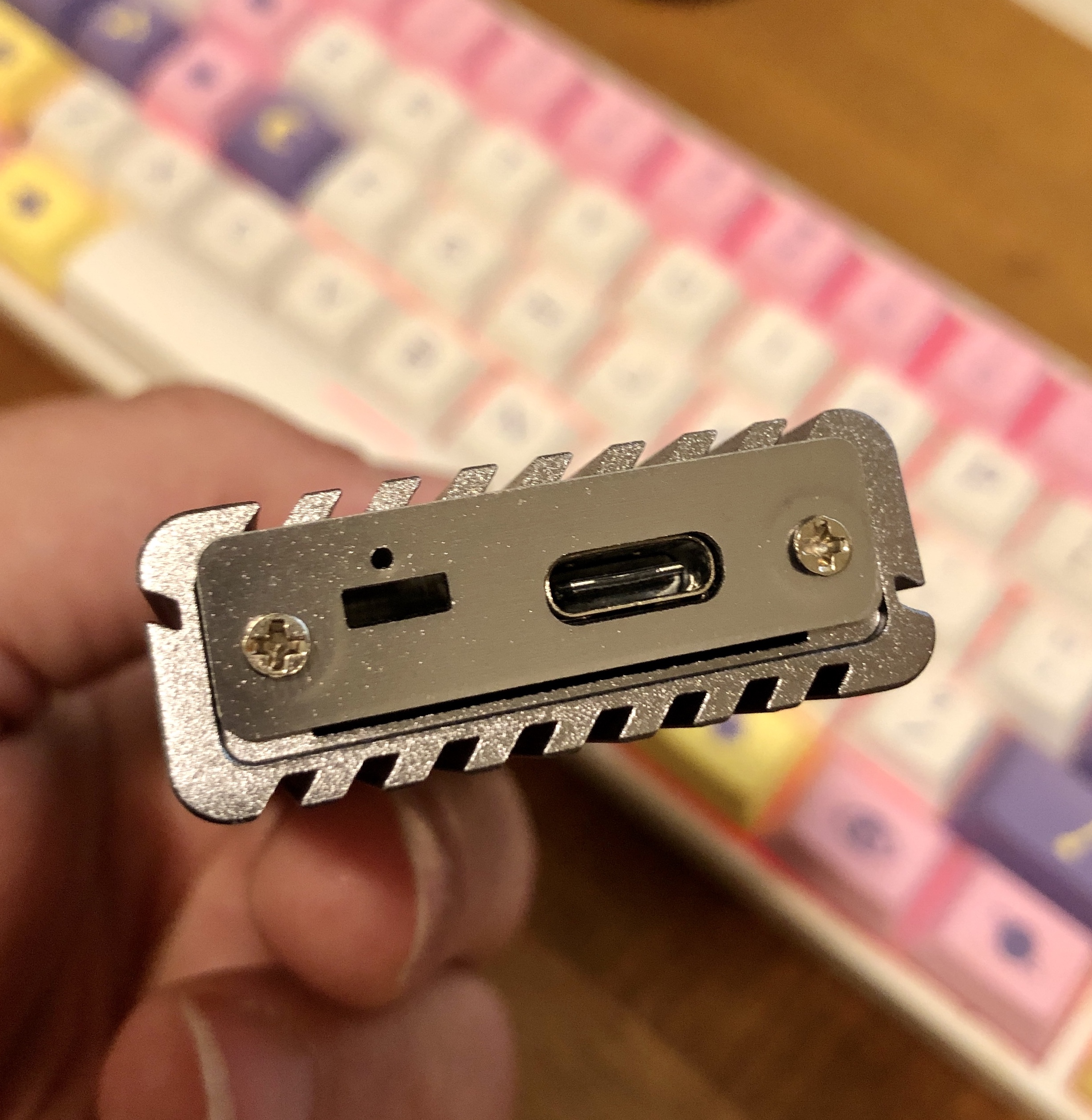
-
Formatting NVMe on MacOS
- For now, I’m formatting this for just MacOS. Here’s how the drive shows up in Disk Utility before formatting:
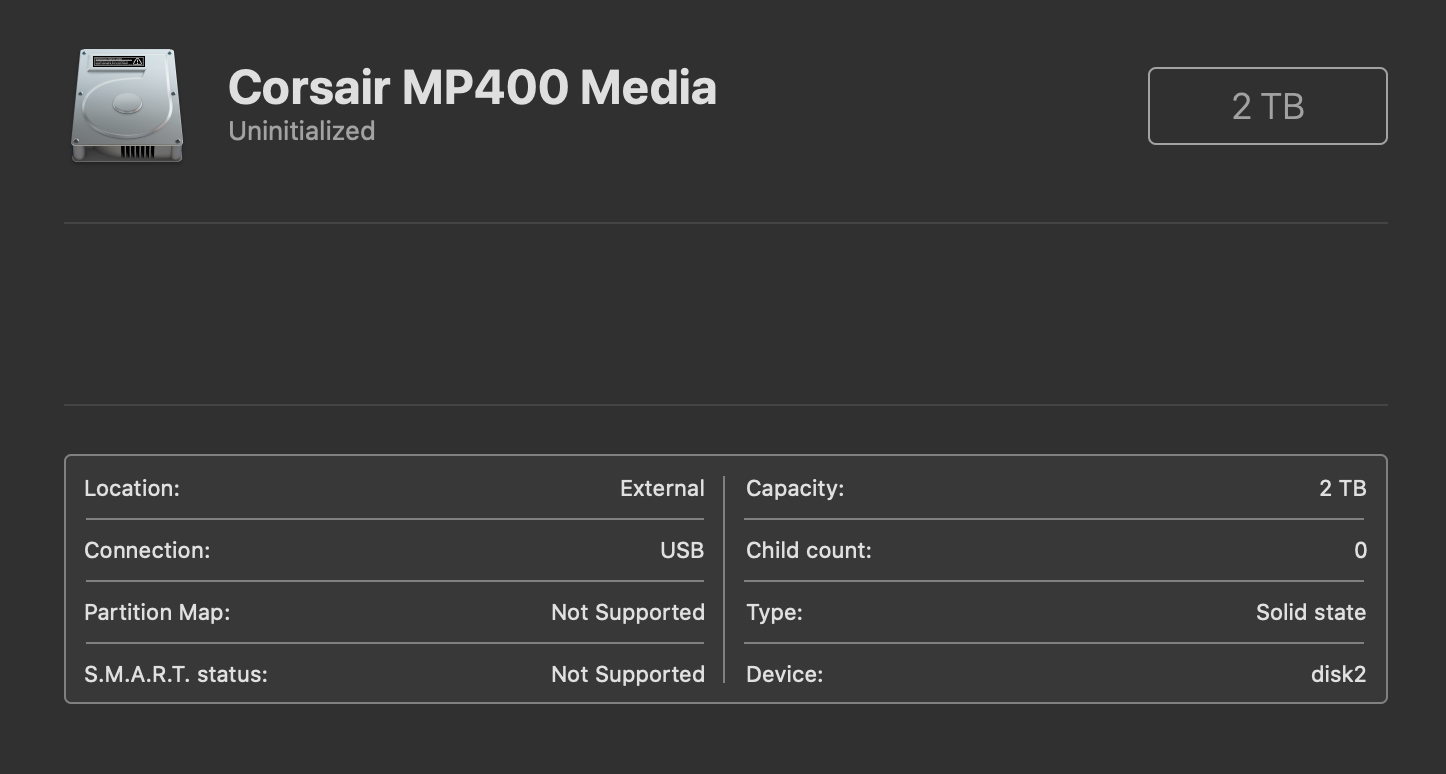
- The option you want to pick is actually “Erase”, and you’ll get this dialog:
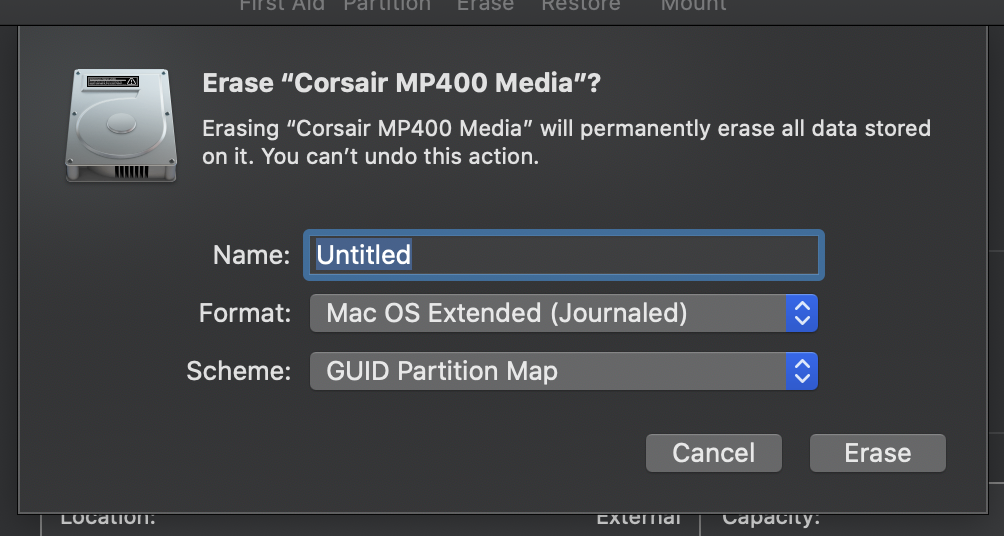
- Lots of format options here. No, you don’t want to pick MacOS Extended. Apparently, Apple File System APFS is what you want. It’s also what’s used in iOS, and it’s optimized for solid state drives (SSDs). More detail on the Apple Disk Utility support guide. I went ahead and just chose the plain APFS version.
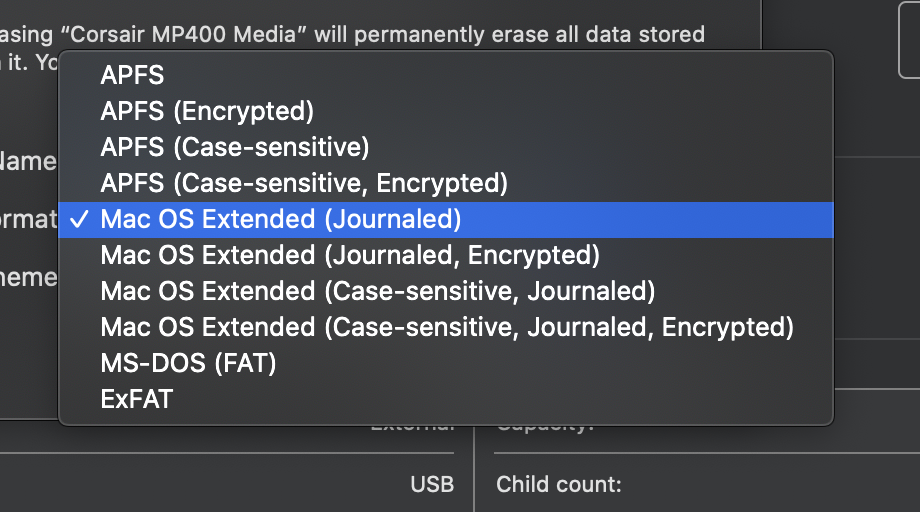
- The default GUID Partition Map is what you want to pick for modern computers.
- OK! Now I’ve got an extra 2TB!
- First thing I did was create a new Steam game library folder on the new disk. I’ve only got 512GB on the inside of this Mac Mini. Inside Steam, you can now move games between library folders, which makes this a lot easier than it used to be.
- Next up is documenting how to work with Filecoin, which was the driving purpose of this purchase!